
Agentic ERP for Construction and Civil Works | Axelor
Axelor Build Suite

The agentic ERP for construction and civil works

One suite built around the job: from tender to final account, run your sites, your progress claims and your purchasing. Agentic AI working on your jobs and your margins.
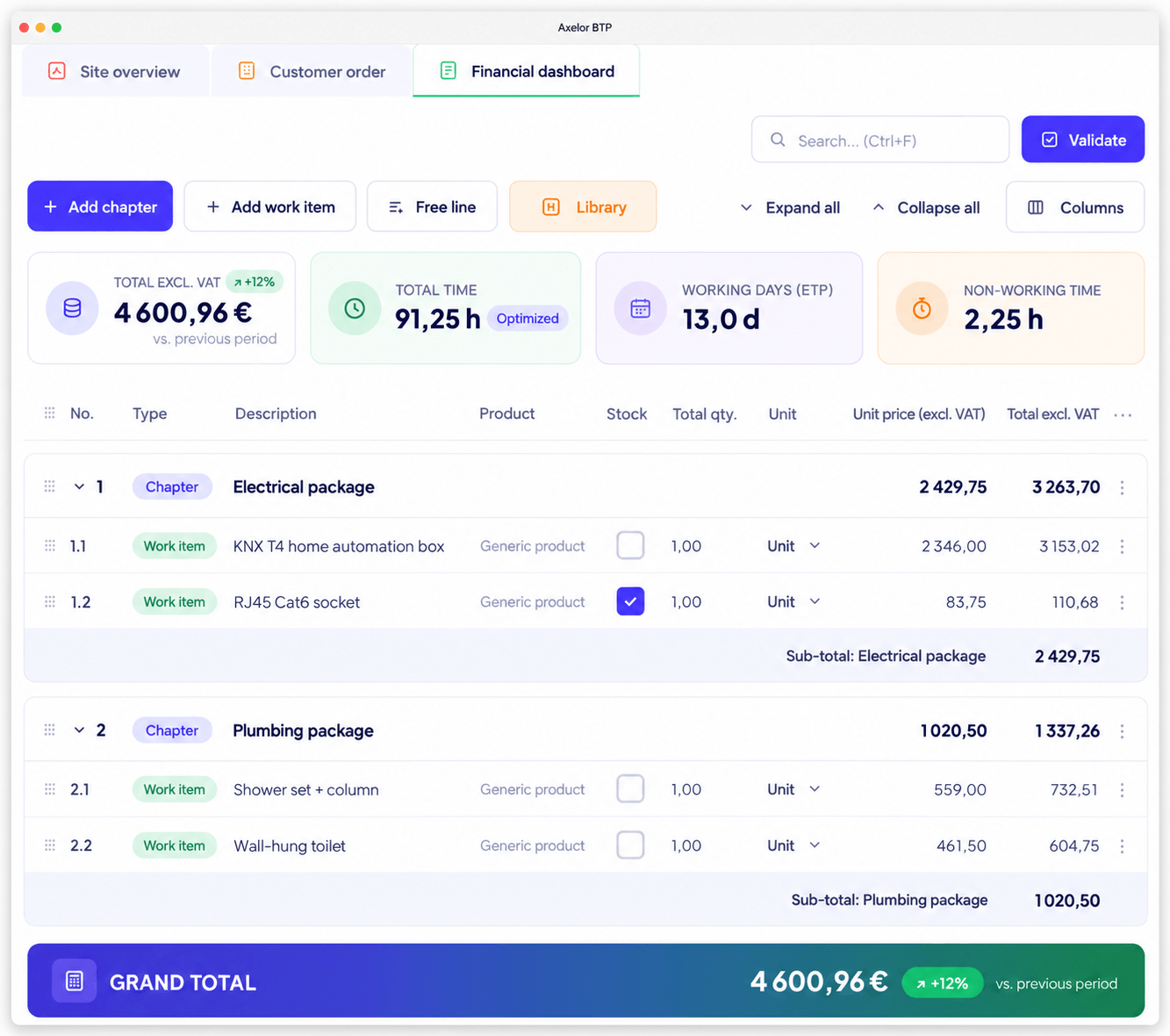
Job management built in AI agents included Open source, French software vendor
Construction scheduling in Axelor Build Suite: milestones, crews and plant across a job
Who it is for

Built for companies that build, refurbish and fit out

Your margin is decided on site, your scope changes with every variation, and your cash flow depends on the progress claim going out on time.

Structural works

Long jobs and main contracts
MasonryConcreteEarthworksFoundations

Finishing trades

Building services and fit-out
ElectricalPlumbingHVACJoinery

Civil engineering

Infrastructure and utilities
RoadsUtilitiesDrainageBridges and structures
The business thread

One chain, from tender to final account

These five stages live in the same system. A timesheet entered on site feeds straight through to the margin on the job, with no re-keying.

Tender TD-0418ESTIMATING
ClientLeroux Group
Estimated value£1.24M
Target margin14.2%
Submissionin 9 days
Standard in Axelor

The estimate is built from your library of work items, and comparable past jobs stay accessible, actual margin included.

Axelor AI for construction

AI that acts on your jobs

Your agents have access to every job, every budget and every timesheet. They do more than answer: they act on your data, within the permissions you set.
Prediction

Flags budget drift before it lands

"Which jobs are at risk of going over budget this month?"

The agent detects the jobs where actuals are drifting, alerts the site manager and drafts the variation or the revised budget.

Optimisation

Rebuilds the schedule after a disruption

"Bad weather has stopped the pour, reschedule next week."

The agent recalculates the schedule for crews and plant against the priorities, then reassigns the work.

Retrieval

Pulls up comparable jobs

"What margin did we make on similar jobs for this client?"

The agent queries the history, consolidates past jobs and returns a sourced answer.

No-Code

Builds the report you are missing

"Add a dashboard showing margin by work package."

Agent Studio creates the dashboard and the fields it needs, without a line of code.

Your permissions apply before any data is accessed. Every request goes through a layer that checks the user's rights: the agent only sees and only changes what that person is allowed to see and change. Axelor does not use your data to train any model, and you choose the provider.
Site scheduling

Schedule your jobs, from first milestone to handover

Plan crews, plant and subcontractors job by job. The schedule is managed by drag and drop, and every assignment takes availability into account.
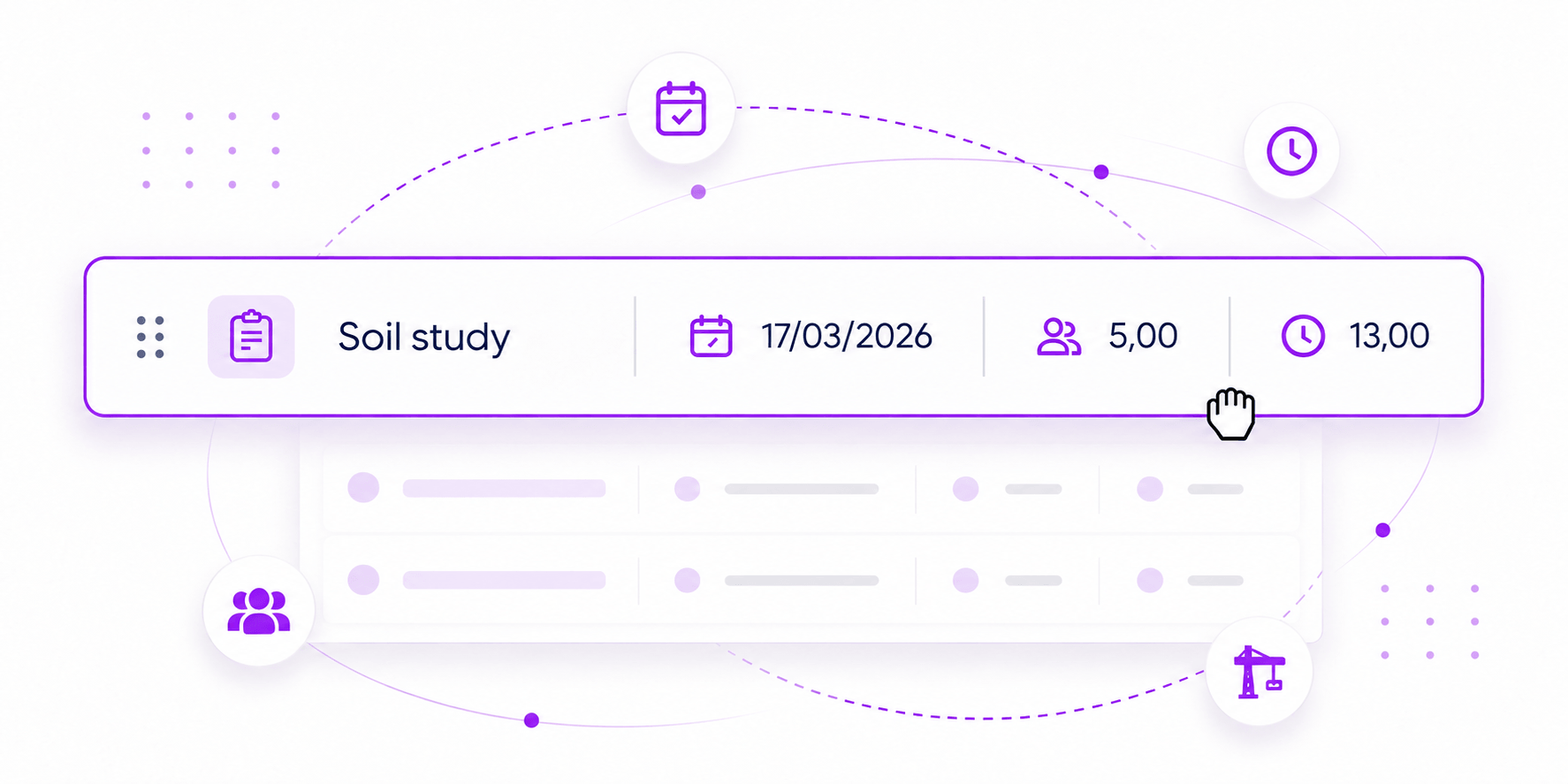
Scheduling by job, by work package and by crew
Milestones, phases and planned site visits
Workload assigned to crews and to plant
Rescheduling by drag and drop after a disruption
Construction scheduling in Axelor: milestones, crews and plant across a job
Agent on handWhen weather or a supply delay stops the work, the agent rebuilds the schedule for crews and plant and flags the jobs at risk.
Progress tracking

The progress of every job, in real time

Follow each job in the view that suits the team, and get progress reports without rebuilding them by hand every week.

Kanban, list or schedule view, by job
Milestones, work packages and dependencies
Progress reports generated automatically
Alerts on overdue work packages
Kanban view tracking construction job progress in Axelor
Job budget

Everything touching a job, in one place

Quotes, orders, purchases, subcontracting, labour and plant are all held against the same job. The budget follows the contract, not a spreadsheet kept on the side.
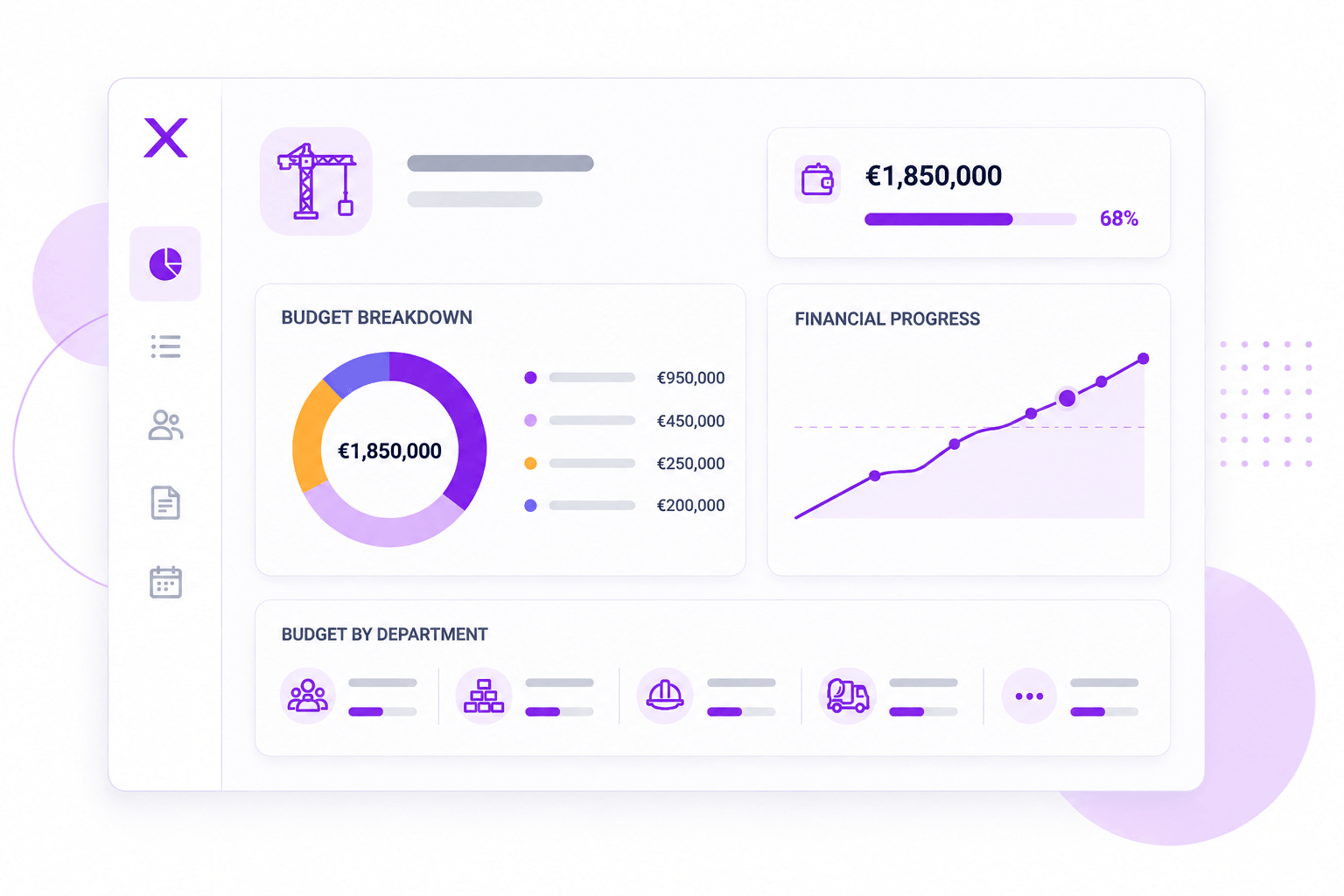
Original budget, committed and actual costs on a single view
Subcontracting, materials and labour attached to the job
Variations and scope changes fully tracked
Cost to complete and forecast margin, continuously
Centralised job budget in Axelor for construction
Agent on handThe agent raises an alert as soon as a job starts to drift, and consolidates the history of comparable jobs from a single question.
Claims and billing

Billing that follows the progress of each job

Progress claims are calculated from work actually completed, with the contractual mechanisms of construction handled natively rather than worked around.

Progress claims generated from work completed
Variations, retention and reverse-charge VAT
Final account and retention release
Electronic invoicing, including the French e-invoicing mandate
Progress claims and billing based on work completed in Axelor
Costs and profitability

Knowing which jobs actually make you money

Profitability tracking compares what has been certified against what has been spent: labour at fully loaded cost, materials, plant and subcontracting. You spot the losing jobs while there is still time to act.

Gross margin by job, by work package and by cost heading
Actual costs compared with the job budget
Physical and financial progress side by side
Automatic alerts on overruns
Actual cost and margin tracking by construction job in Axelor

See Axelor on one of your own jobs

A demo run by a construction specialist, framed around your contracts, your claims and your billing methods.

Purchasing and subcontracting

Subcontracting and purchasing, under control

Subcontract packages are attached to the job, with their claims, their payments and the compliance documents that go with them.
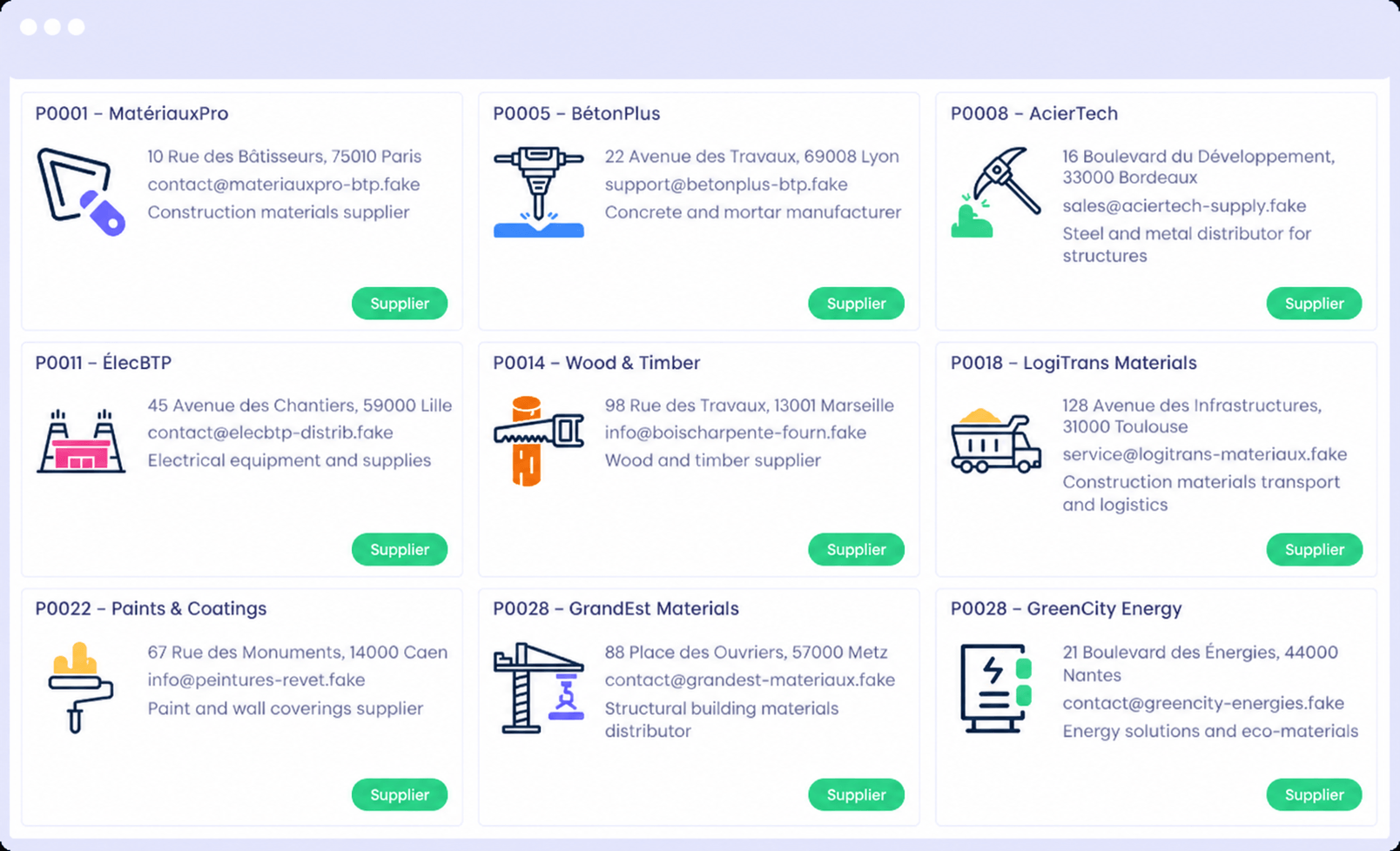
Subcontract packages with delivery tracking
Subcontractor site visits and deliverables by job
Compliance documents collected and monitored
Purchase requests raised directly from the job budget
Purchasing and subcontracting management in Axelor for construction
Stock management

Manage materials and replenishment precisely

Track materials across depots and sites, and trigger replenishment before the work stops for want of supply.
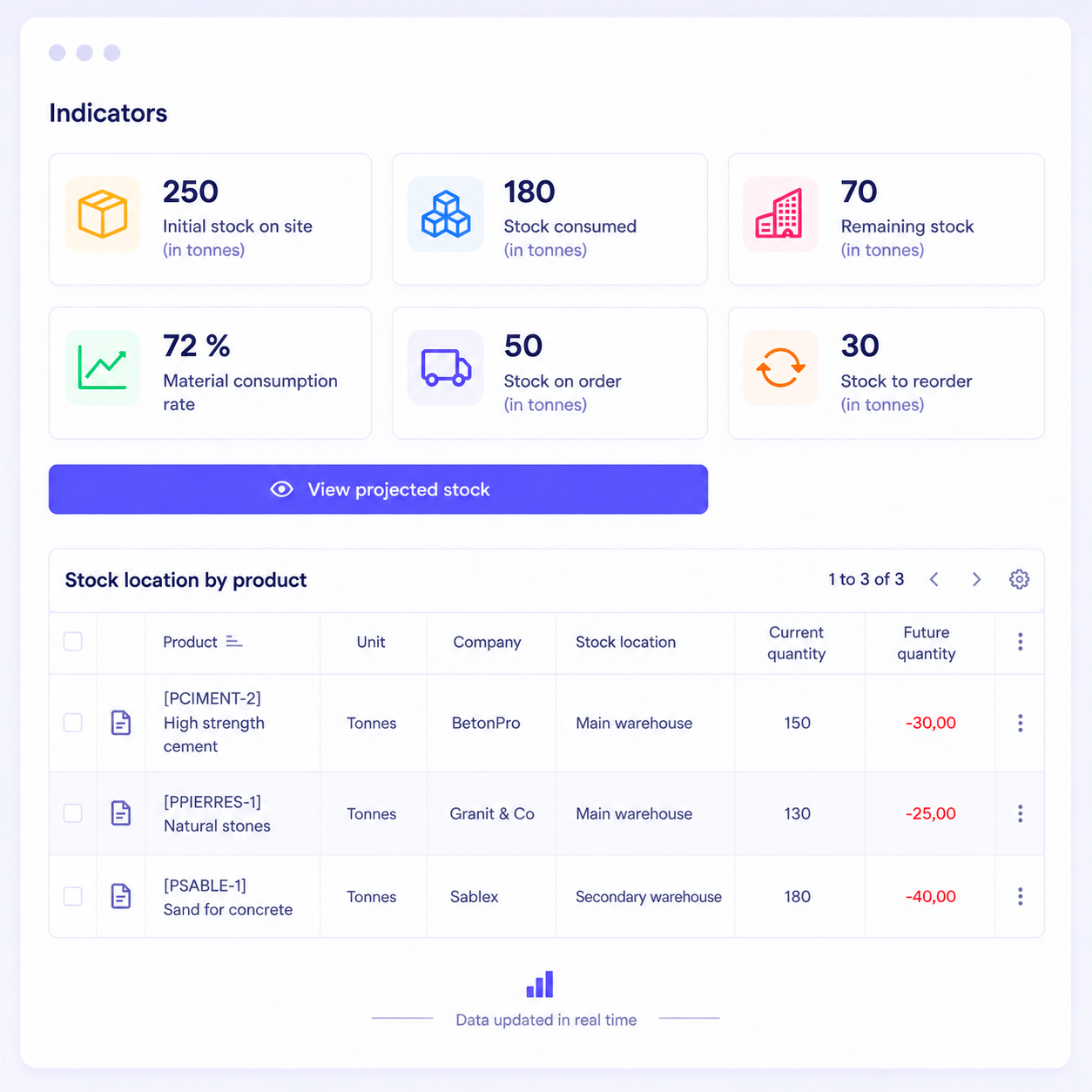
Stock by depot and by site
Materials issued to a job and consumed on it
Replenishment triggered on thresholds
Plant and tool tracking
Material stock and replenishment management in Axelor for construction
Site visits

Job tracking and site visits on mobile

Crews record their hours, their consumption and their reports from the site, including when there is no network coverage.
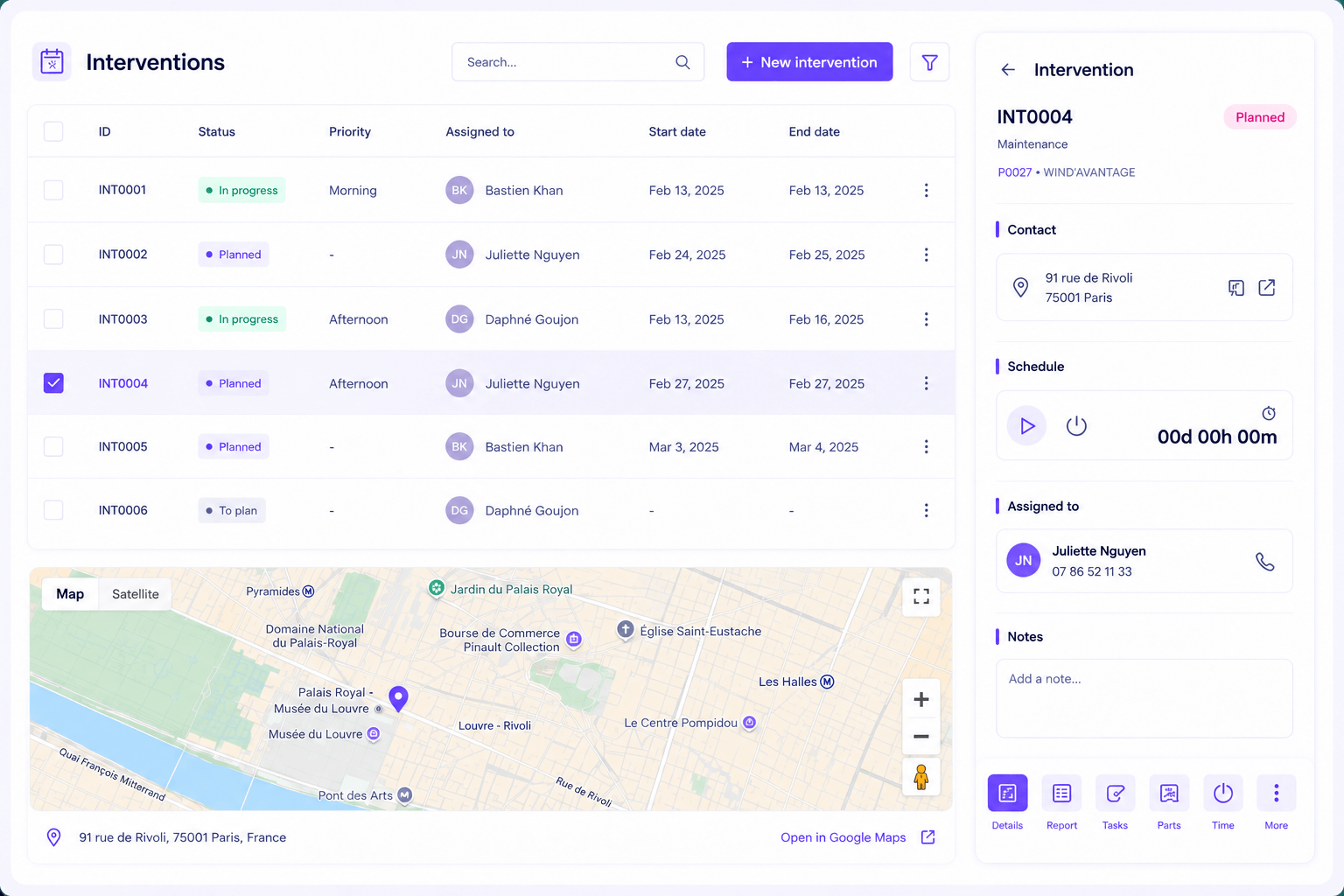
Time and consumption booked from the site
Site reports completed on the spot
Offline mode with later synchronisation
Photographs and documents attached to the job
Site visit tracking on mobile with the Axelor application
Ecosystem

Axelor at the heart of your information system

Your existing tools stay where they are. Dedicated connectors link your ERP to accounting, payroll, electronic signature and the platforms your teams already use.

Ready-made connectors to the tools in common use
Open API for your own developments
Controlled data import and export
Axelor connectors to the business tools used in construction
No-Code

Your business is unique. Your ERP should be too.

Adapt the ERP to your most specific processes, without writing a line of code and without a development cycle.

Fields and forms

Add your own fields and reshape your screens from the Studio, with no development and no restart.

Business processes

Model your approval chains by drag and drop: conditions, branches, human tasks and sign-offs.

Built by AI

Describe what you need in plain language, AI generates a first version and your team refines it in the Studio.

What our clients say

Construction companies running their jobs on Axelor

Barkene
"Axelor is a very mature, very robust solution and it adapts to every one of our trades. All our entities now speak the same language, which means we can build a consolidated view we simply did not have before."
Richard WeihartManaging Director and co-founder, Barkene

Socotec
"Today we are genuinely pleased and satisfied with that decision. The solution runs smoothly, it lets us manage our sales cycles, plan our projects and pull data by project intuitively. And all of it with very significant time savings."
Jean-Baptiste ParisDeputy Managing Director
Platform

More than 50 integrated applications

The day you want to connect your jobs to accounting, purchasing or HR, there is no integration project to launch: it is already connected.

Job managementBudget, claims and margin by job.
Progress trackingTasks, milestones and completion.
Purchasing and subcontractingSuppliers, packages and payments.
Material stockMulti-depot, allocated to the job.
Claims and billingProgress, variations and final account.
AccountingEntries, reconciliation and close.
CRM and tendersEnquiries, quotes and variations.
Time and HRSite hours and labour cost.
At a glance

What Axelor Build Suite does at each stage of a job

The five stages of a construction job, from tender to final account.

The five stages of a construction job in Axelor Build Suite, from tender to final account.
StageWhat happens as standard in Axelor
TenderThe estimate is built from your library of work items, and comparable past jobs stay accessible, actual margin included.
ContractThe job budget is built straight from the signed contract, broken down into work packages, phases and cost headings.
On siteThe schedule for crews and plant is rebuilt after a disruption, according to the priorities set for the job.
Progress claimThe claim is calculated from work actually completed, with retention and approved variations included.
Final accountThe final account is prepared from actuals, retention release and outstanding balance included.
FAQ

Frequently asked questions

What is an agentic ERP for a construction company?
An agentic ERP is management software in which AI agents act directly on your jobs rather than simply displaying them. For a construction business, that changes three things: the alert arrives before the budget is blown rather than at final account, the schedule rebuilds itself after a disruption, and the margin history of comparable jobs is one question away instead of a data extract. Axelor Build Suite covers the full cycle, from tender to retention release.
What is the difference between an agent and a dashboard?
A dashboard reports: it shows an overrun once it has happened, and waits for someone to notice. An agent acts: it detects the drift in your data, tells the right person and prepares what comes next, whether that is a variation or a revised schedule. Every action stays within the permissions of the user the agent is working on behalf of, and decisions above the threshold you set are escalated to a person.
How does Axelor handle progress claims and retention?
Natively, because they are core objects rather than a workaround. A claim is calculated from work actually completed on each work package, retention is withheld according to the contract and released at final account, and approved variations are attached to the original contract rather than raised as separate orders. Reverse-charge VAT on subcontracting is handled as standard, as is the French electronic invoicing mandate.
Can Axelor track margin on each individual job?
Yes, and continuously rather than at close. Labour is valued at fully loaded cost, materials are allocated to the job when issued, subcontract claims are attached to their package, and plant time is charged across. The gross margin is available by job, by work package and by cost heading, compared with the original budget, so a drift is visible while the work is still running.
Does it work for site crews without network coverage?
Yes. The mobile application gives crews their schedule, their job documents and their reporting forms, and it works offline. Hours, consumption, photographs and site reports are recorded on the spot and synchronised when coverage returns. This is usually the deciding factor for adoption on sites where connectivity is poor.
Do we have to deploy the whole ERP to get started?
No. You can start with the jobs, purchasing and claims scope, then switch on the other applications as your needs grow. The point of Axelor is that those applications are already there and already connected: the day you want to link your jobs to accounting or HR, there is no integration project to launch. On a well-defined scope, expect a few months rather than more than a year, delivered by our own teams or by one of our implementation partners.

Run your jobs and your margins in real time

We walk through the full life of a job, from the tender through to the margin recorded at final account.