Professional Services ERP with AI Agents | Axelor
Axelor Service Suite

The agentic ERP for consulting, engineering and field service

One suite built around project-based management: from the first quote to the final invoice, run your projects, your resource plan and your field interventions. Agents that act on your projects, not just another set of dashboards.
Project-based management built in AI agents included Open source, French software vendor
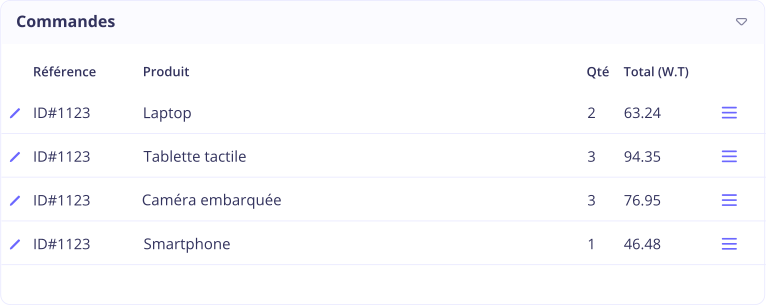
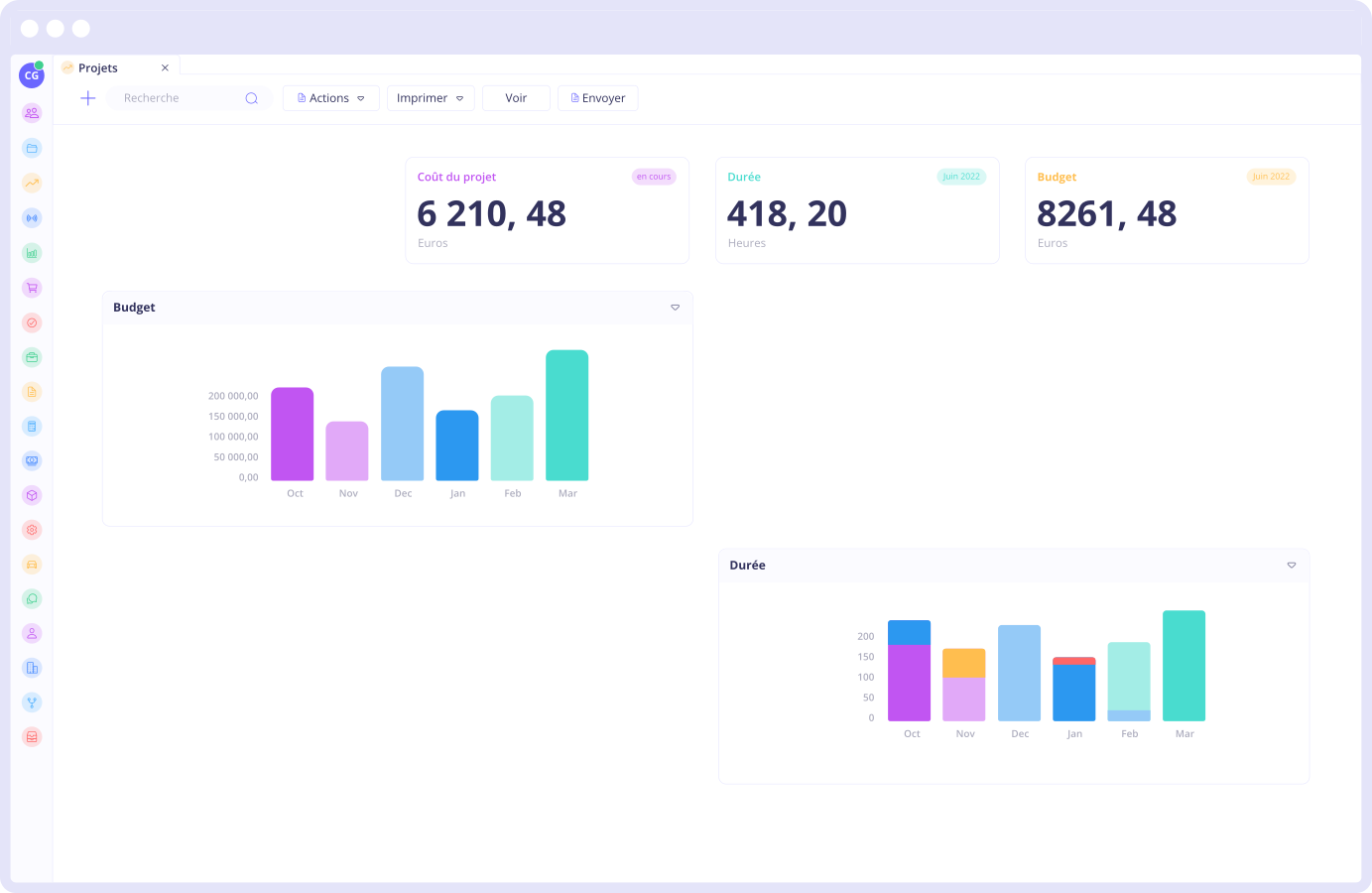
Axelor Service Suite interface: managing projects, engagements and field interventions
Who it is for

Built for companies that sell time and expertise

Your primary resource is people, your margin is decided by the hour, and every engagement comes with its own billing rules.

Consulting and technology

Time and materials, and fixed-price work
IT consultanciesManagement consultingSoftware vendorsCommunication agencies

Engineering and studies

Long engagements with milestones
Engineering consultanciesArchitecture practicesProject managementTesting and certification

Field service and maintenance

Contracts and recurring interventions
InstallationContracted maintenanceAfter-sales serviceMulti-trade services
The business thread

One chain, from opportunity to invoice

These five stages live in the same system. A timesheet entry made by a consultant feeds straight through to the margin on the engagement, with no re-keying.

Sales pipelineIN PROGRESS
ClientLeroux Group
Estimated value£148,000
Probability70%
Next stepPitch on the 12th
Standard in Axelor

The opportunity is qualified against the client's history, and comparable past engagements stay accessible, margin included.

Axelor AI for professional services

AI that acts on your engagements

Your agents have access to every engagement, every resource plan and every timesheet entry. They do more than answer: they act on your data, within the permissions you set.
Prediction

Flags budget overruns before they land

"Which engagements are at risk of going over budget this month?"

The agent detects engagements where actuals are drifting, alerts the project manager and drafts the change order or the revised plan.

Optimisation

Reassigns the consultants who are free

"One consultant is away next week, rework the resource plan."

The agent recalculates the resource plan against skills and milestones, then reassigns the tasks.

Retrieval

Pulls up a client's history

"What work have we already delivered for this client, and at what margin?"

The agent queries the history, consolidates past engagements and returns a sourced answer.

No-Code

Builds the report you are missing

"Add a dashboard showing utilisation rate by consultant."

Agent Studio creates the dashboard and the fields it needs, without a line of code.

Your permissions apply before any data is accessed. Every request goes through a layer that checks the user's rights: the agent only sees and only changes what that person is allowed to see and change. Axelor does not use your data to train any model, and you choose the provider.
Resource plan

See who is available, and when

Plan your people and see the resource plan in real time. Schedules are managed by drag and drop, and every assignment takes both skills and time off into account.
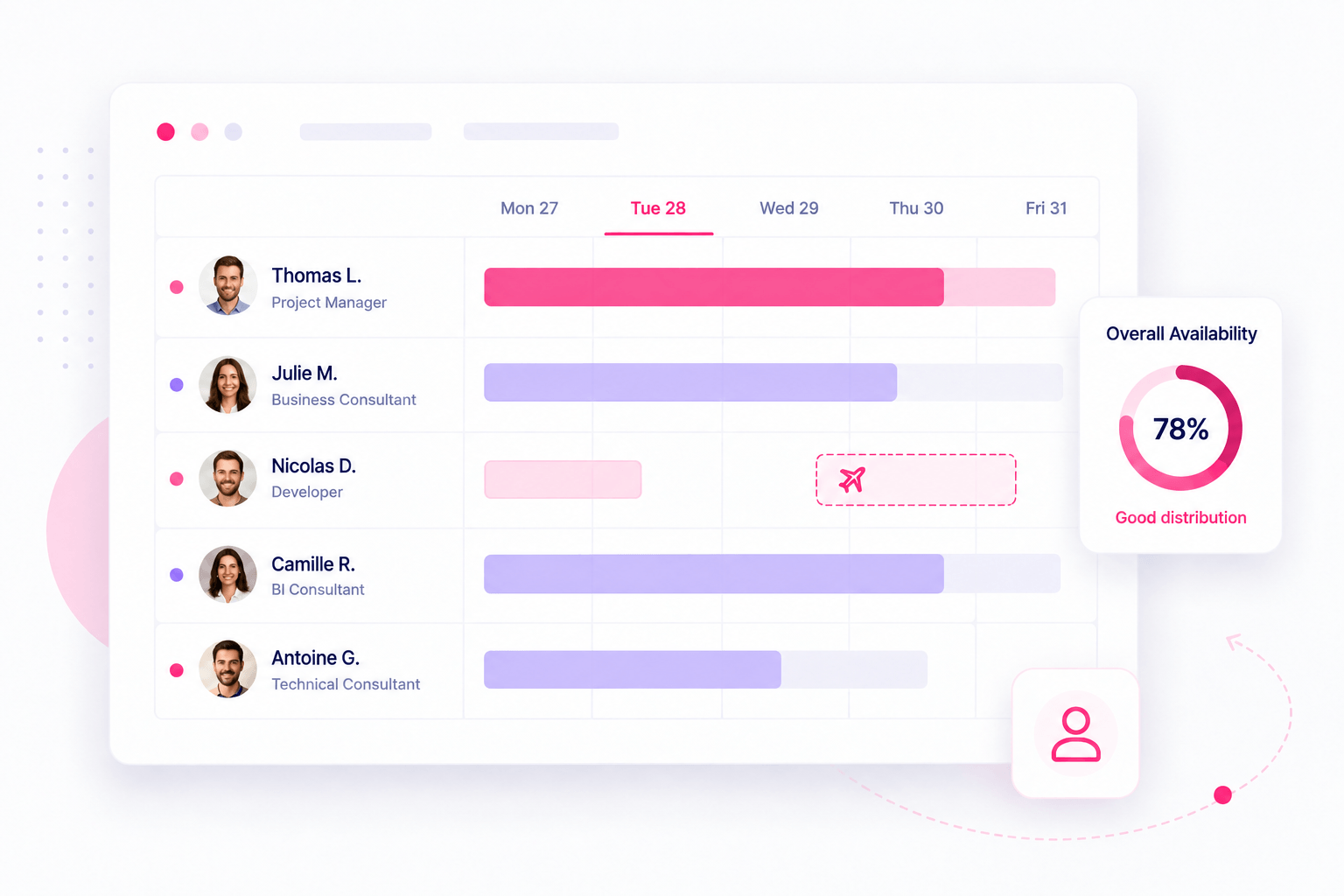
Resource plan by person and by period
Assignment based on the skills actually available
Utilisation and spare capacity visible at a glance
Rescheduling by drag and drop
Resource planning and capacity view in Axelor
Agent on handWhen someone is away or a milestone slips, the agent recalculates the resource plan against available skills and flags the engagements at risk.
Project delivery

Precise control, a clear view

Stay on top of progress with an intuitive Kanban view, keep deadlines under control and get detailed progress reports for accurate oversight.
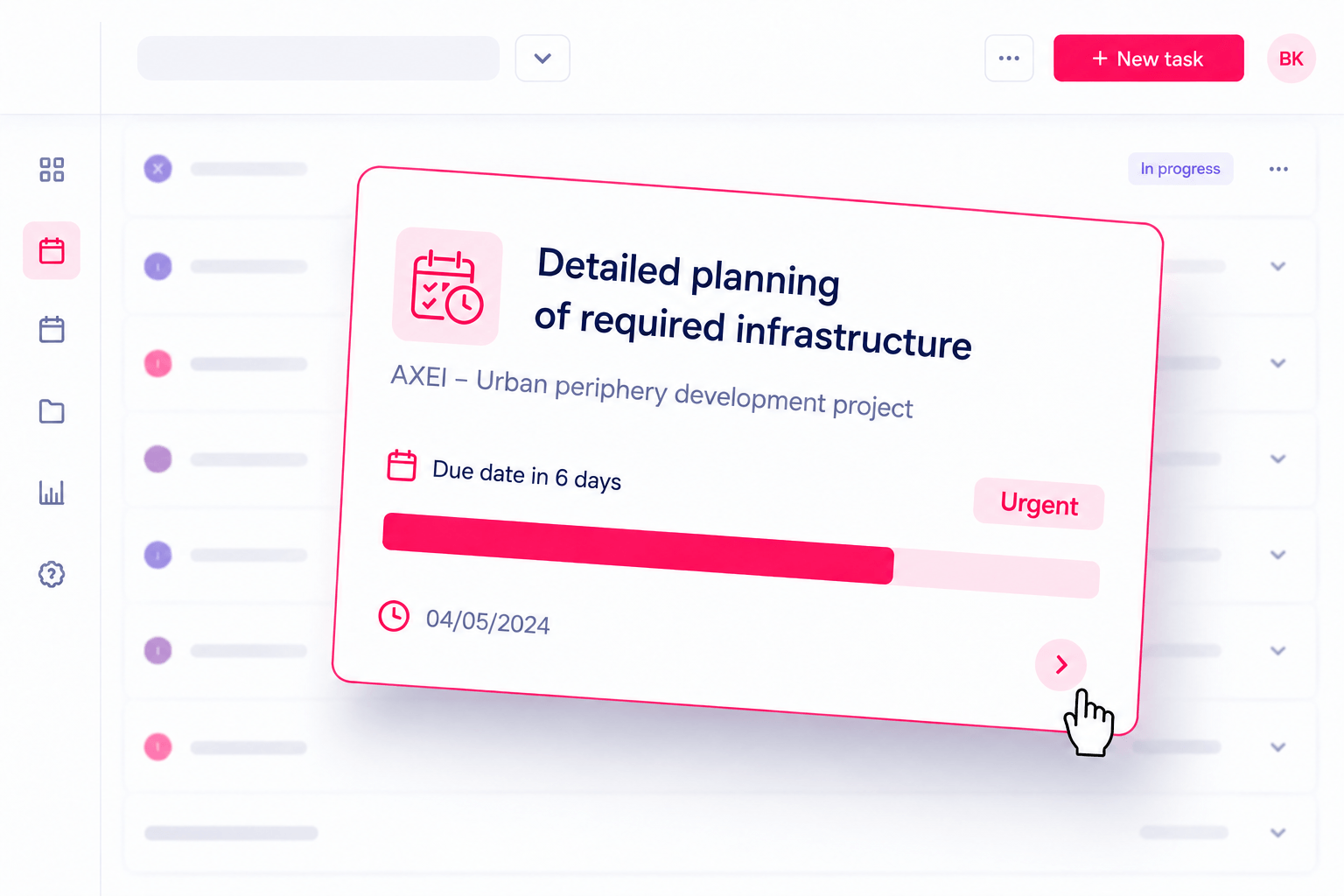
Kanban, list or schedule view, whichever suits the team
Milestones, dependencies and critical path
Progress reports generated automatically
Alerts on overdue tasks
Kanban view for tracking tasks and projects in Axelor
Project-based management

Everything touching an engagement, in one place

Quotes, orders, purchases, expenses, budgets, tasks and time tracking are all held against the same record. Detailed reporting turns your data into decisions.
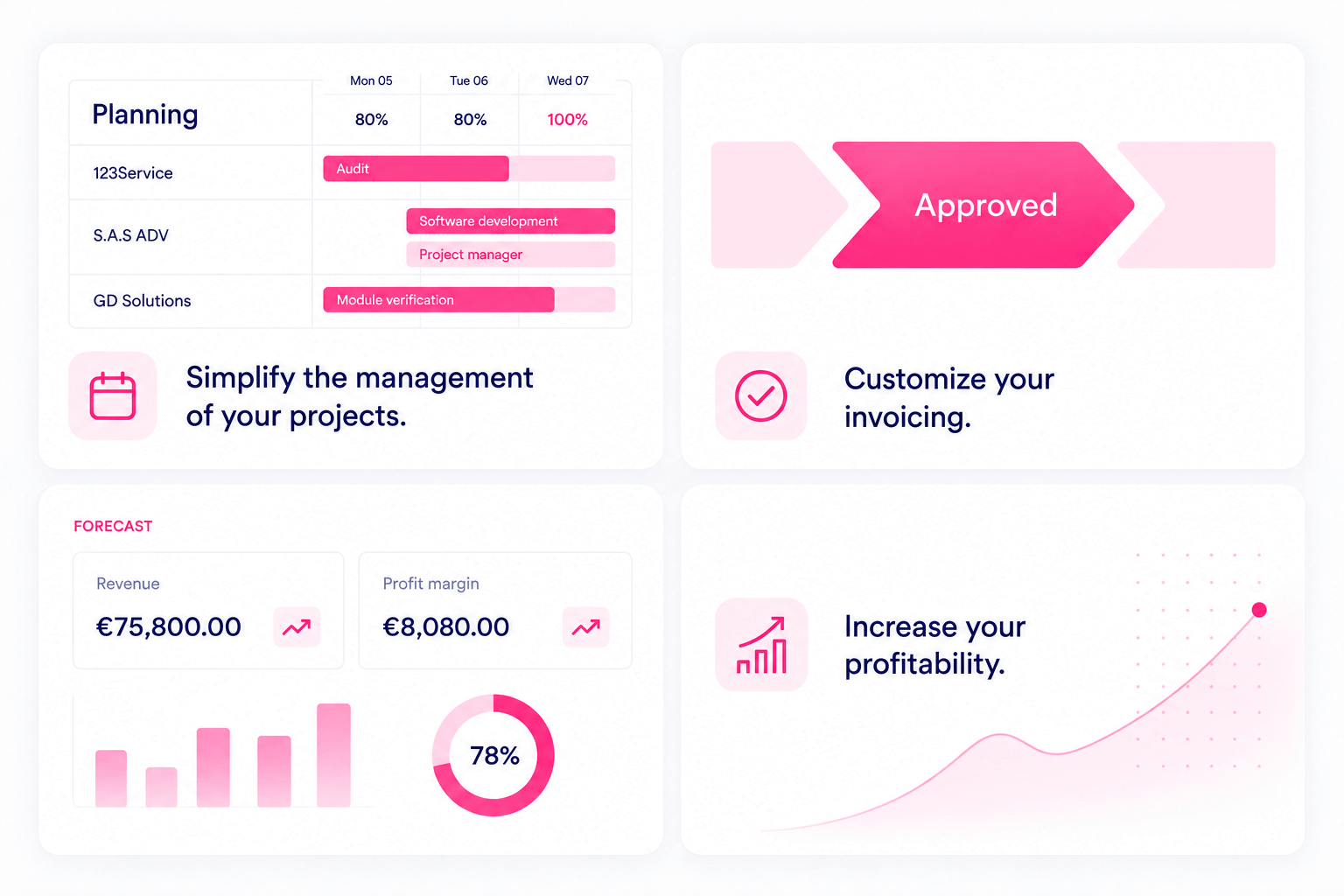
Original budget, committed and actual costs on a single view
Subcontracting and purchases attached to the engagement
Change orders and scope changes fully tracked
Estimate to complete and forecast margin, continuously
Centralised project-based management in Axelor
Agent on handThe agent consolidates a client's history from a single question and raises an alert as soon as an engagement starts to drift.
Billing

Billing that follows the shape of each engagement

Fixed price, time and materials, percentage of completion or recurring: match the billing method to each contract, simplify your processes and shorten your payment cycles.

Billing by time spent, by milestone or at a fixed price
Subscriptions and recurring contracts automated
Renewals, notice periods and automatic roll-over
Electronic invoicing, including the French e-invoicing mandate
Billing process matched to each type of engagement in Axelor
Profitability

Knowing which engagements actually make you money

Profitability tracking compares revenue billed against costs incurred: time valued at fully loaded cost, expenses, subcontracting. You spot the unprofitable engagements while there is still time to act.
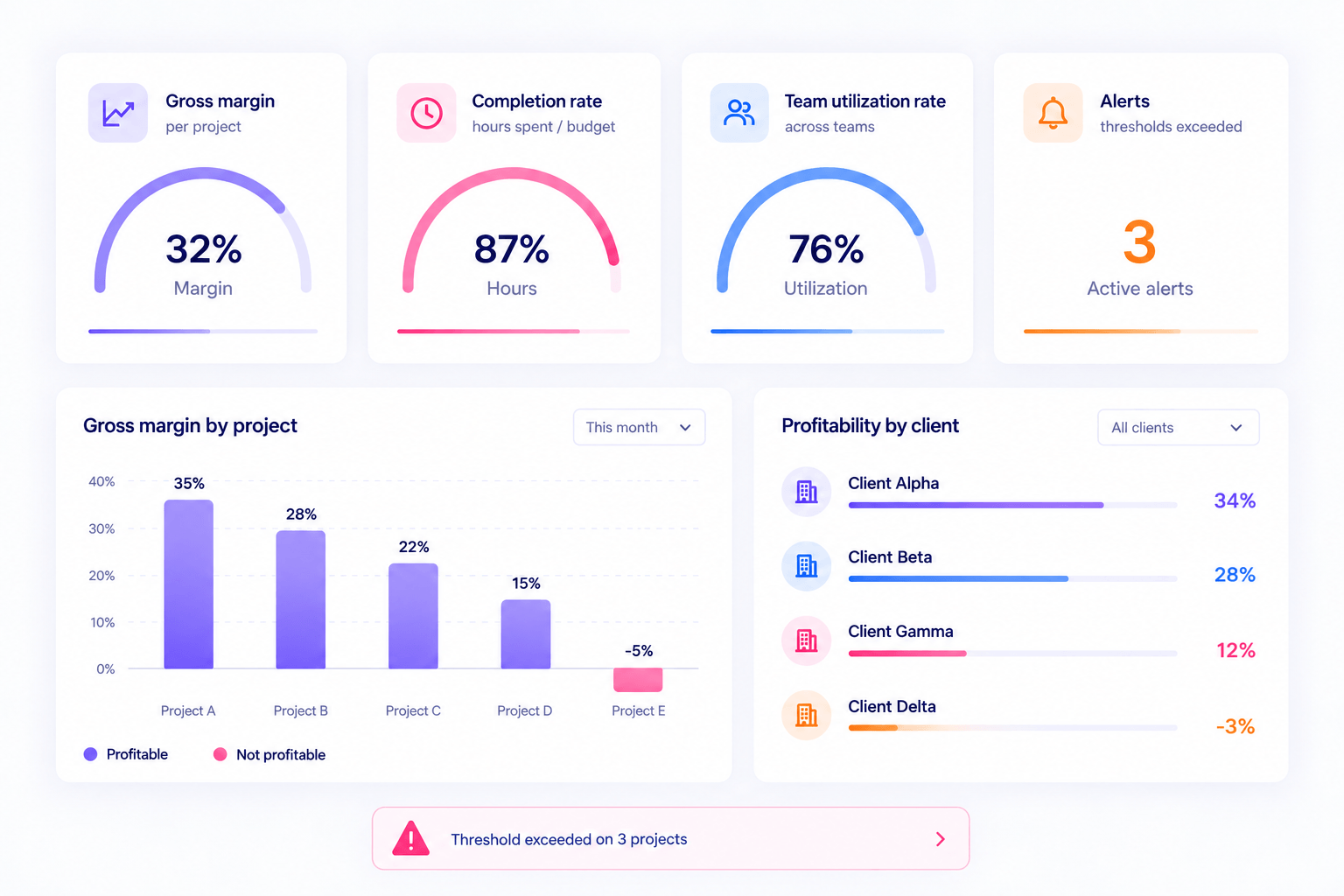
Gross margin by engagement, by client and by consultant
Completion rate: hours spent against hours budgeted
Team utilisation rates
Automatic alerts on overruns
Cost and margin tracking by engagement in Axelor

See Axelor on one of your own engagements

A demo run by a domain expert, framed around your processes and your billing methods.

CRM and proposals

Shorter sales cycles

Build tailored proposals and follow every phase of the engagement, from order through to final invoice, with a real-time view of margins.

Sales pipeline and opportunity tracking
Proposals built from your own rate cards
Proposal converted into an engagement without re-keying
Analysis and reporting to sharpen your strategy
Proposal building and sales tracking in Axelor
In practice

So what does it actually look like?

Walk through the key features yourself, from planning to progress tracking.

Ecosystem

Axelor at the heart of your information system

Your existing tools stay where they are. Dedicated connectors link your ERP to email, electronic signature, banking, payroll and the platforms your teams already use.

Ready-made connectors to the tools in common use
Open API for your own developments
Controlled data import and export
Axelor connectors to business tools for consulting, engineering and field service
No-Code

Your business does not fit a standard mould

Adapt the ERP to your most specific processes, without writing a line of code and without a development cycle.

Fields and forms

Add your own fields and reshape your screens from the Studio, with no development and no restart.

Business processes

Model your approval chains by drag and drop: conditions, branches, human tasks and sign-offs.

Built by AI

Describe what you need in plain language, AI generates a first version and your team refines it in the Studio.

What our clients say

Service firms that have left the spreadsheet behind

Carbone 4
"Before Axelor, everything had to be managed in Excel, which was heavy and complicated. We had to go looking for information, tick off the responses and share it all through Dropbox. Projects are now recorded in Axelor and there is no need to comb through timesheets in parallel any more."
Louis TruongBusiness Systems Manager
Socotec
"Today we are genuinely pleased and satisfied with that decision. The solution runs smoothly, it lets us manage our sales cycles, plan our projects and pull data by project intuitively. And all of it with very significant time savings."
Jean-Baptiste ParisDeputy Managing Director
Platform

More than 50 integrated applications

The day you want to connect your engagements to accounting, purchasing or HR, there is no integration project to launch: it is already connected.

Project-based managementBudget, committed, actual and margin on a single record.
ProjectsTasks, milestones and progress in Kanban or schedule view.
TimesheetsTime and expense entry attached to the engagement.
CRMPipeline, opportunities and proposals built on your rates.
BillingFixed price, time and materials, completion or recurring.
AccountingEntries, reconciliation and close with no re-keying.
Business processesApproval chains modelled by drag and drop.
Customer portalInvoices, contracts and tickets in self-service.
At a glance

What Axelor Service Suite does at each stage of an engagement

The five stages of an engagement, from opportunity to invoice.

The five stages of an engagement in Axelor Service Suite, from opportunity to invoice.
StageWhat happens as standard in Axelor
OpportunityThe opportunity is qualified against the client's history. Comparable past engagements stay accessible, margin included.
EngagementThe engagement structure is built from the proposal: phases, milestones and budget, with no re-keying.
Resource planThe resource plan is recalculated after an absence, based on available skills and the milestones ahead.
Time and expensesTime and expenses feed back from the field. Any gap against the engagement budget shows up straight away.
BillingThe invoice is prepared using the method set in the contract: fixed price, time and materials, or percentage of completion.
FAQ

Frequently asked questions

What is an agentic ERP for a professional services firm?
An agentic ERP is management software in which AI agents act directly on your engagements rather than simply displaying them. For a consulting or engineering business, that changes three things: the alert arrives before the budget is blown rather than at invoicing time, the resource plan rebuilds itself after an absence, and a client's margin history is one question away instead of a data extract. Axelor Service Suite covers the full cycle, from opportunity to final settlement.
What is the difference between an agent and a dashboard?
A dashboard reports: it shows an overrun once it has happened, and waits for someone to notice. An agent acts: it detects the drift in your data, tells the right person and prepares what comes next, whether that is a change order or a revised resource plan. Every action stays within the permissions of the user the agent is working on behalf of, and decisions above the threshold you set are escalated to a person.
How does the agent detect that an engagement is drifting?
It continuously compares actuals against the engagement budget: time entries valued at fully loaded cost, expenses and subcontracting, set against the contract value and the declared estimate to complete. When the trajectory moves outside the target margin, it flags the engagement and the cost line responsible for the gap. Because time feeds back from the field with no re-keying, the alert lands while the work is still under way rather than at close.
Can several billing methods run on the same engagement?
Yes. A single engagement can combine a fixed price on a scoping phase, time and materials on delivery, and a recurring subscription on the maintenance that follows. Each line follows its own rule and the invoice consolidates the whole. Renewals, notice periods and automatic roll-over are handled in the contract, and electronic invoicing covers the French e-invoicing mandate.
How does it work for field interventions?
Technicians use the mobile app to reach their schedule, the client's installed base and the intervention history, with an offline mode. The report is completed on site and feeds back to the engagement, which triggers billing without any administrative rework. The full scope, installed base and maintenance contracts, is covered on the Field Service page.
Can the ERP be adapted to our processes without development?
Yes. The No-Code Studio lets you add fields, reshape screens and model your approval chains by drag and drop, without writing code or restarting the server. AI can also generate a first version from a plain-language description, which your teams then refine in the Studio. That is what makes it possible to absorb the specifics of a services business without a development cycle.
Do we have to deploy the whole ERP to get started?
No. You can start with the engagements, projects and time scope, then switch on the other applications as your needs grow. The point of Axelor is that those applications are already there and already connected: the day you want to link your engagements to accounting or HR, there is no integration project to launch. On a well-defined scope, expect a few months rather than more than a year, delivered by our own teams or by one of our 60 implementation partners.

Run your engagements and your margins in real time

We walk through the full life of an engagement, from sales qualification to the margin recorded after invoicing.